

Table of Contents
Lost in the Game is one of the new achievements added with the first anniversary update in Marvel Rivals. For this achievement, you are required to “Trigger 1 checkmate in Grand Garden.” This objective can be confusing, as the game doesn’t explain how to complete it. Don’t worry, this guide will break down everything you need to know to complete this achievement.
What is the Lost in the Game Achievement?
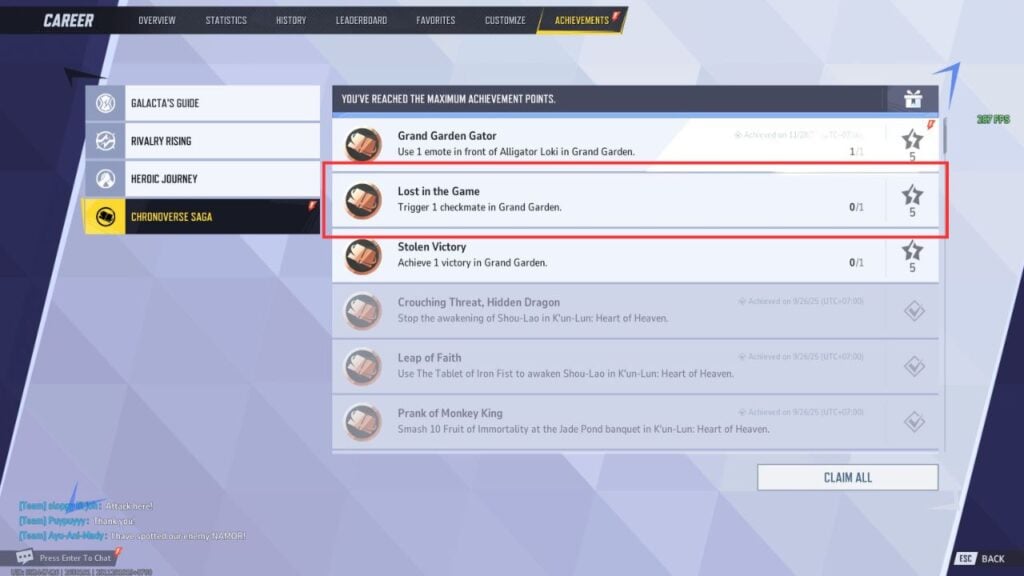
The Lost in the Game achievement is part of the Chronoverse Saga achievements, added in Season 5 of Marvel Rivals. This achievement tasks you to "Trigger 1 checkmate in Grand Garden". Clearing this achievement will grant you 5 Achievement Points, needed for progressing toward the ultimate goal, earning free Units.
Now, let's take a look at how to trigger a checkmate in Grand Garden in Marvel Rivals.
How to Trigger 1 Checkmate in Grand Garden in Marvel Rivals
Follow this step-by-step guide to complete the Lost in the Game achievement:
Step 1: Play on Grand Garden Annihilation Map

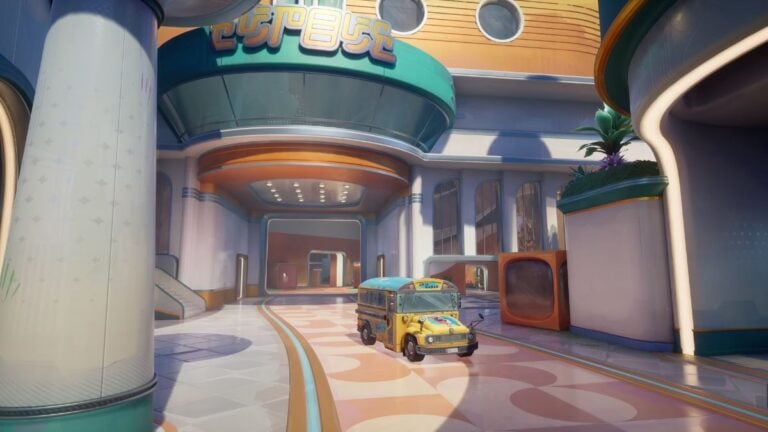
The first step is to play on the Grand Garden map. To access it, queue for the 18v18 Annihilation mode. Make sure you play a public match, as completing this in a custom match will not grant you the achievement.
Step 2: Head to the Chess Board Area
Once you’re in the match, head to the Chess area. This section is located in the middle of the arena on one side, look for the platforms with large chess pieces on them. It’s recommended to use ranged, flying characters with high attack rates, such as Angela or Human Torch, to make this process easier.
Step 3: Move the Chess Pieces in Order
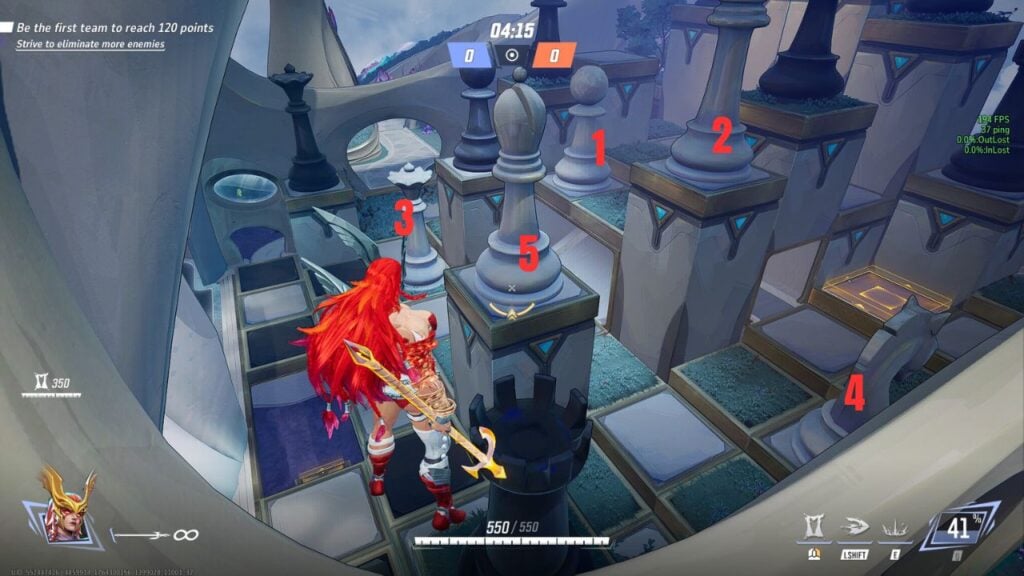
Here’s the challenging part: you need to move the chess pieces in the correct order by hitting them continuously. Follow this sequence:
- Pawn
- King
- Queen
- Knight
- Bishop
While hitting the pieces is easy, the real challenge comes from the number of enemies in the area, after all, it’s an 18v18 match, so things can get chaotic fast. Using heroes like Angela or Human Torch helps a lot, as their mobility allows you to move around quickly and slip between fights while continuing to damage the chess pieces.
If the chess pieces move out of order, you can go beneath the platforms and reset them by pressing the button on the chessboard. Reset the puzzle, then try again.
Step 4: Open a Hidden Room and Complete the Achievement
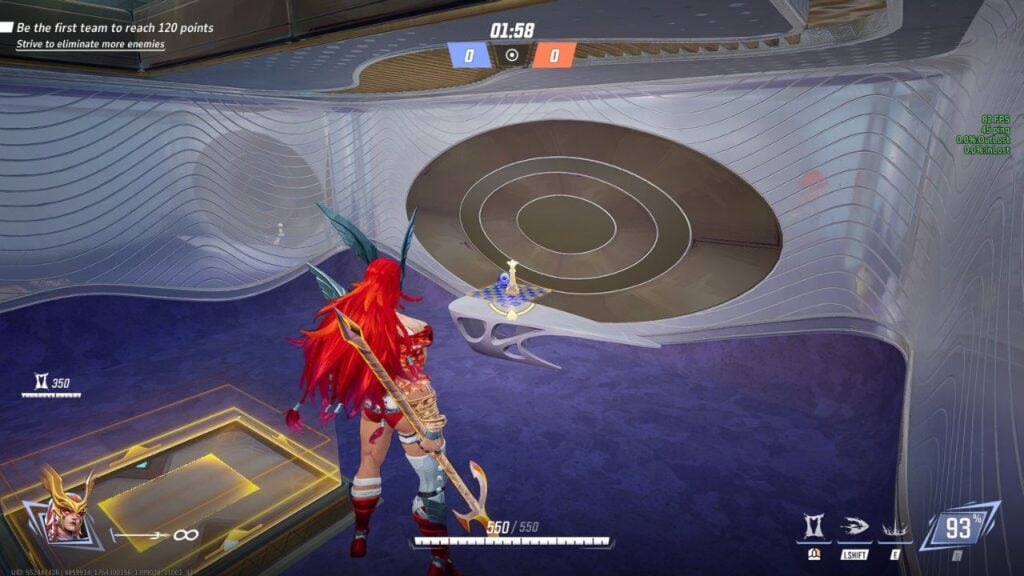
After you’ve moved the pieces in the correct order, the platforms will shift and reveal a hidden room below. Enter the room to find a chessboard displaying a checkmate position, this is the key to completing the achievement.
Make sure you finish the match, as quitting early may prevent the achievement from registering.
Once the match ends, you’ll receive a notification confirming that you’ve completed the Lost in the Game achievement. Congrats!